

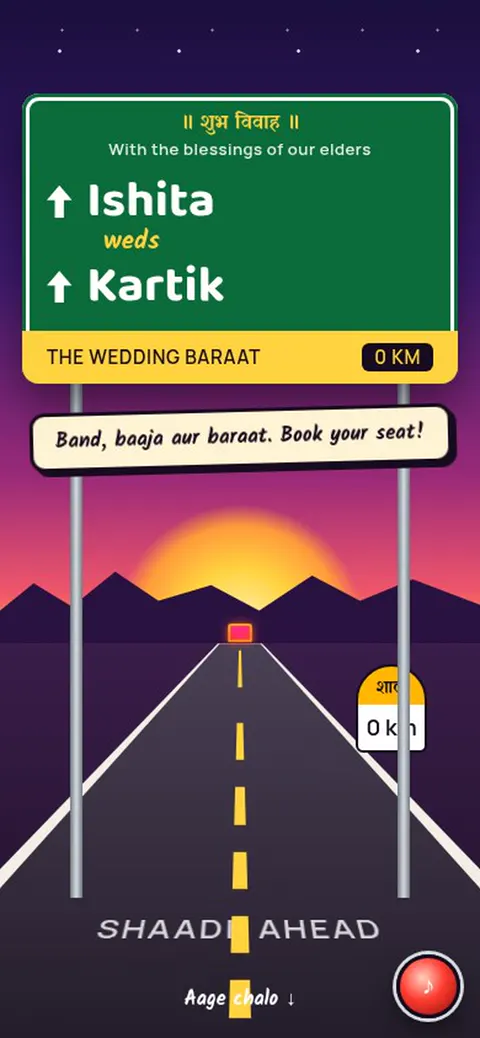

Know who’s joining
Collect guest replies and family headcounts for each event. Keep track of attendance in your invitation workspace.
THREE SIMPLE STEPS
Choose a design, add your names, events, photos and music, preview it for free, then share one link with every guest.
Explore designsAnimated invitation websites or painted image invites.
Add names, dates and venues. See it change as you type.
One link or one image, ready for WhatsApp.
YOUR DETAILS MAKE THE DIFFERENCE
Your names, your words, your way of celebrating. The editor guides you through the details that fit your occasion, with optional touches when you want them.
Two names, your own words and a place for every ceremony. This example stays on this page and isn’t saved.
Find a wedding design
Together with our families
Aarohi & Kabir
Our wedding celebration
Haldi · Wedding · Reception
The Garden Courtyard
THOUGHTFUL FOR YOU. SIMPLE FOR THEM.
Share a website link on WhatsApp or in a message. Your guests can find the details and reply from their browser, without creating an account.
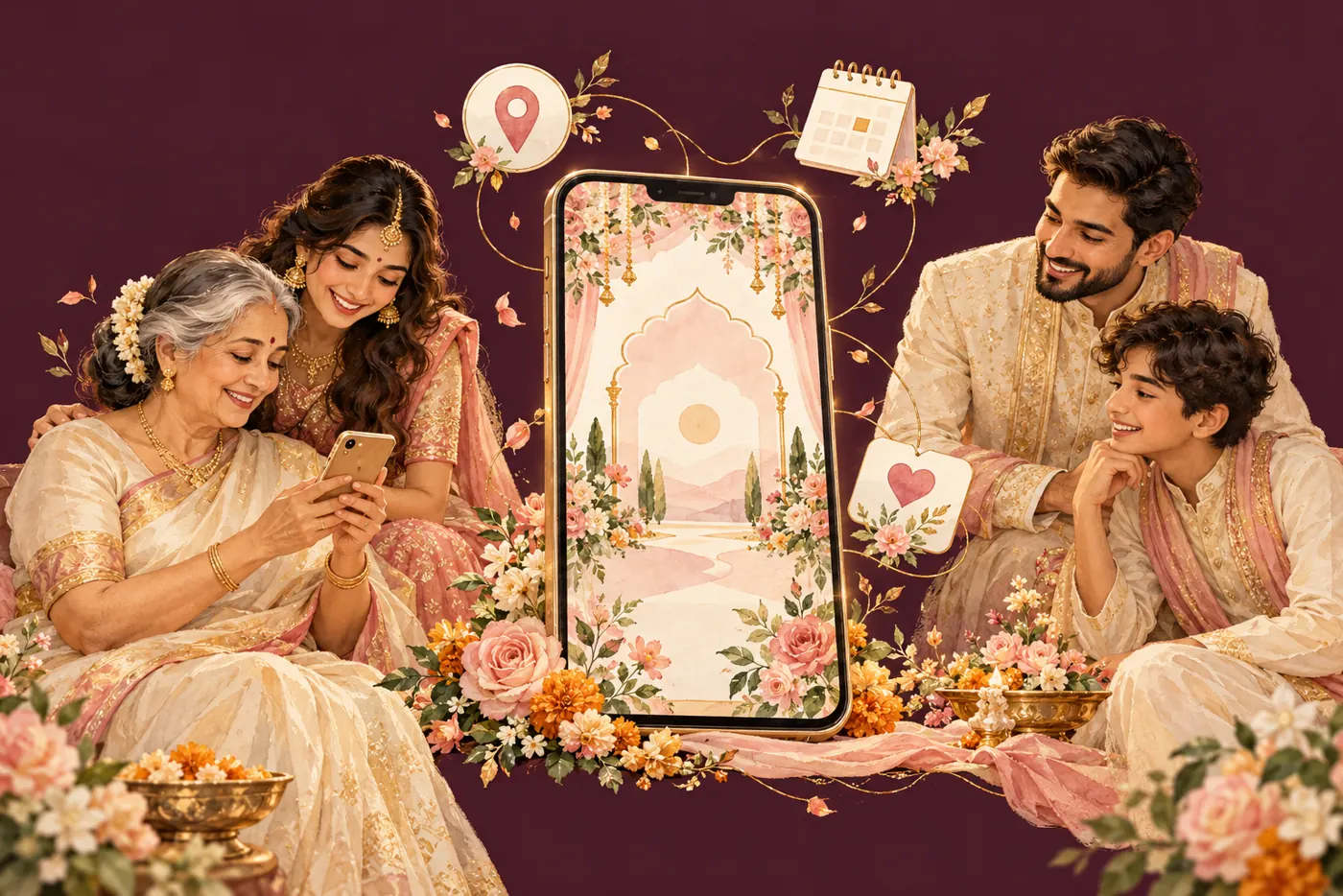
Collect guest replies and family headcounts for each event. Keep track of attendance in your invitation workspace.
Keep venue addresses and directions beside the event details, so guests know where they need to be.
Give each ceremony its own date, time and place. Guests can add an event to their calendar straight from the invitation.
A FEW THINGS YOU MIGHT BE WONDERING
A little clarity, so you can focus on the celebration.
It’s a personal webpage for your celebration, shared through a link. It brings your invitation wording, event dates, venues and guest replies together. Guests open it in a browser; they don’t need to install an app.
Yes. Choose an available design and preview your names and event details for free. Sign in to save your private draft and return later. Publishing a shareable guest link requires checkout.
Yes. You can add several events to one invitation, each with its own name, date, time and venue. If two events are at the same place, reuse the venue instead of entering it again.
No. The platform supports birthdays, engagements, Haldi, Mehendi, Sangeet, anniversaries, baby showers, housewarmings and other celebrations. Browse by occasion to see which designs are currently available.
You can write your own names, ceremony titles and invitation wording, including Hindi. We don’t infer your religion or choose traditions from your name. Preview your text in the chosen design to check its font and layout.
No. Guests open the published invitation link and send their attendance reply without an account. You manage replies and event headcounts from your own invitation workspace.
Photo and music options depend on the selected design and the features enabled for it. Check those options before choosing. This platform currently creates invitation websites; downloadable cards and videos are not available.
FOR THE PEOPLE YOU CAN’T WAIT TO SEE
Find your occasion. Add your story. Bring your people together.