
SAVE THE DATE · DIGITAL INVITATION WEBSITE
Save the date invitations
Tell everyone to keep the date free before the cards are ready. A save the date needs only your names, the date and the city, and with OpenInvite the same link later becomes your full wedding invitation.
See save the date designs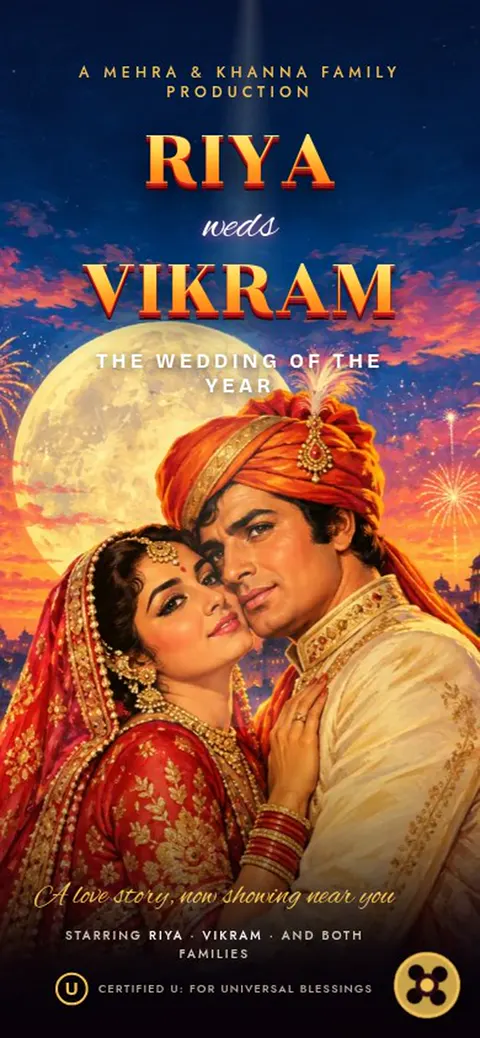
Showing a few favourites for this page. See all designs
YOUR CELEBRATION STARTS HERE
Save the date invitation designs
Tap a design to try it with your own names. Preview free; pay once when you publish.
- Explore this design ↗WeddingInvitation website
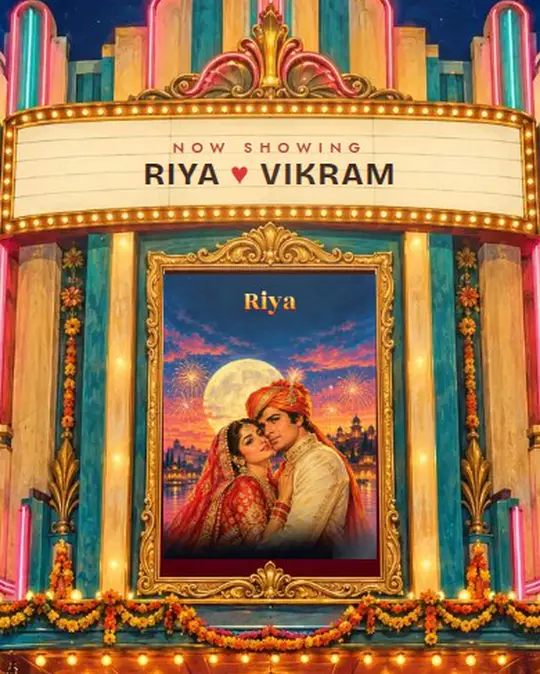
Now Showing
A Bollywood premiere of your story
Your love story gets a Bollywood premiere, complete with a retro poster and a cinematic opening.
₹199.00 one-time price
Choose hosting at checkout. Preview free.
- Explore this design ↗WeddingInvitation website
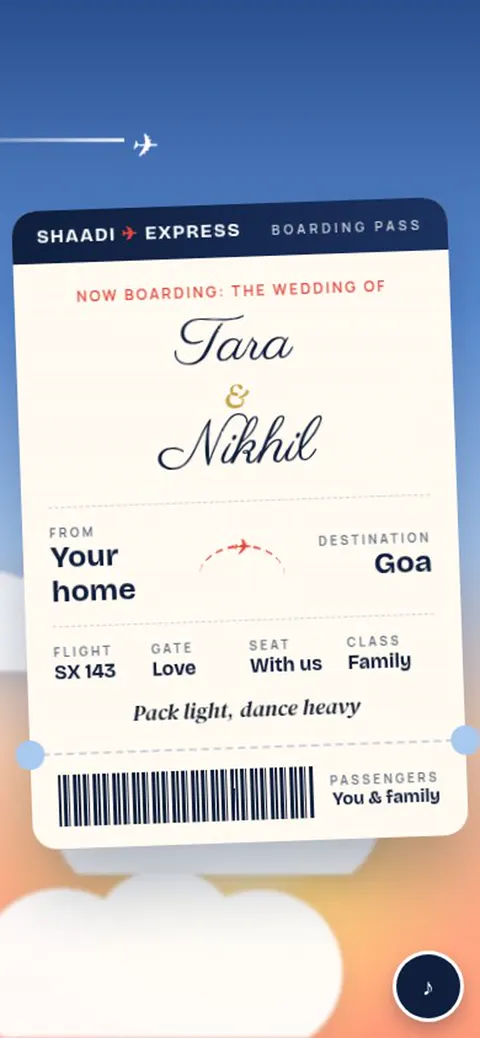
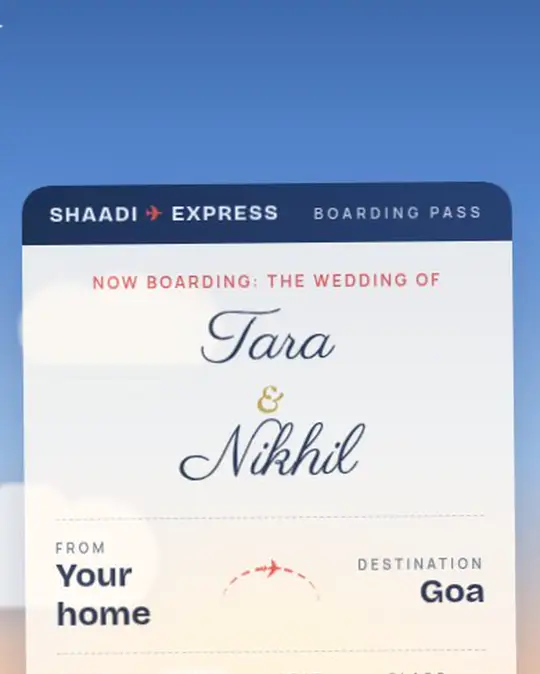
Shaadi Express
Boarding passes for a wedding journey
Boarding passes, a departures board and passport stamps take your wedding guests on a playful journey.
₹199.00 one-time price
Choose hosting at checkout. Preview free.
- Explore this design ↗WeddingInvitation website
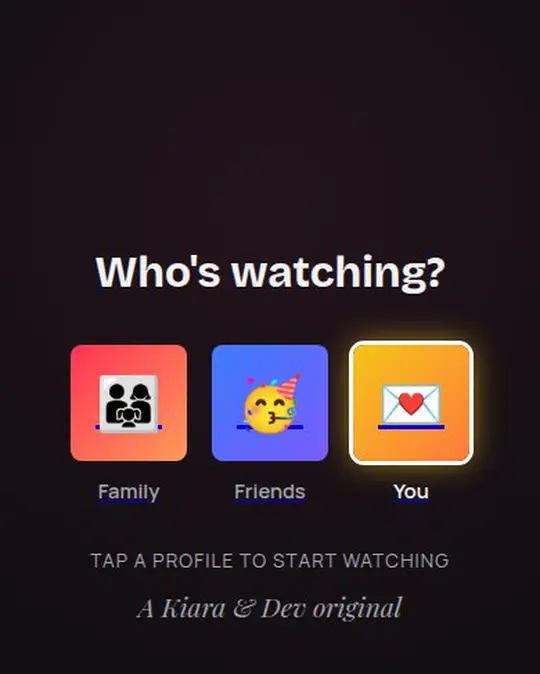
Season 1: Forever
Your love story as a binge-worthy series
Your love story as a binge-worthy series, with episodes for every event and a cinematic opening.
₹199.00 one-time price
Choose hosting at checkout. Preview free.
Explore this design ↗
WeddingInvitation websiteSmile Please!
A photobooth Polaroid that develops
3, 2, 1, click! The flash goes off and your own photo develops on a Polaroid. Prop up the couple, spot five differences and rub each photo to develop the date.
₹199.00 one-time price
Choose hosting at checkout. Preview free.
- Explore this design ↗WeddingInvitation website
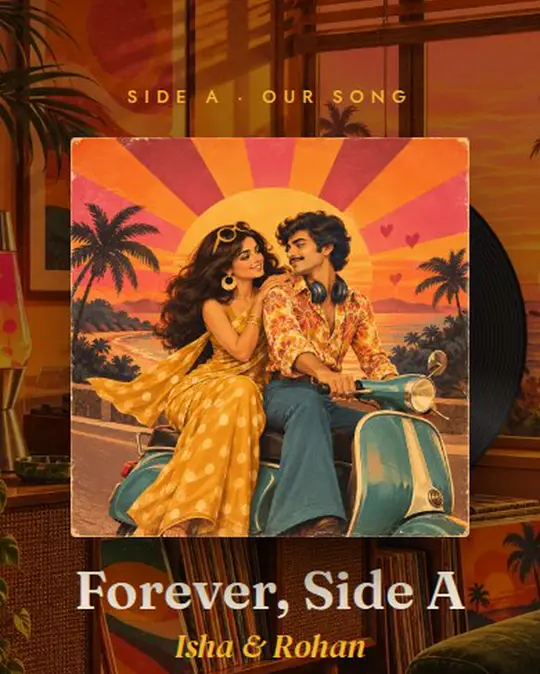
Our Song
Your love story as a retro record
A retro record sleeve opens to your love story in four tracks, with a turntable and a tour map to the venue.
₹199.00 one-time price
Choose hosting at checkout. Preview free.
- Explore this design ↗WeddingInvitation website
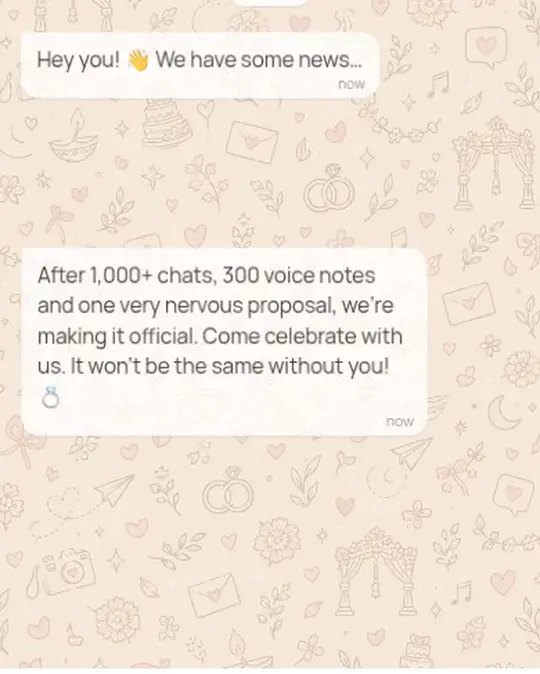
Double Tap
Your wedding as chats, posts and stories
Your wedding told like a phone: a lock screen, a family chat, story rings, posts and a calendar to save.
₹199.00 one-time price
Choose hosting at checkout. Preview free.
Previewing and saving are free. You pay once when you publish.
Save the date invitation wording ideas
Save the date! 💍 [Bride] and [Groom] are getting married on [date] in [city]. Formal invitation to follow.
Date block kar lijiye! 🗓️ [Bride] aur [Groom] ki shaadi [date] ko [city] mein. Card jald aa raha hai.
Kripya [तारीख] को याद रखें: [दुल्हन] और [दूल्हा] का शुभ विवाह। विस्तृत निमंत्रण शीघ्र।
Save the date or wedding invitation?
A save the date is a short early note so guests can book leave, tickets and hotels. The wedding invitation comes later with every function, time, venue and the RSVP.
With an invitation website you don't need two separate cards: share the link early with just the date, and add the events when you are ready. Everyone always sees the latest version at the same link.
What to include in a save the date invitation
- Both names
- The wedding date, or the dates of all functions
- The city or venue, if it is fixed
- A favourite photo of you together
- "Formal invitation to follow"
Send a save the date three to six months ahead for a destination wedding, and about two months ahead for a wedding in your own city.
Questions about save the date invitations
When should I send a save the date?
Three to six months before a destination wedding, and six to eight weeks before a wedding in your home city.
Can I try it before paying?
Yes. Choose a design, add your names, events, photos and music, and preview everything for free. You pay once only when you publish and share the link.
Do guests need an app or an account?
No. Guests open one link from WhatsApp, Instagram or SMS on any phone. They can see the schedule, get directions, save the date to their calendar and reply.